

The Dawn of a New Era in PC Gaming
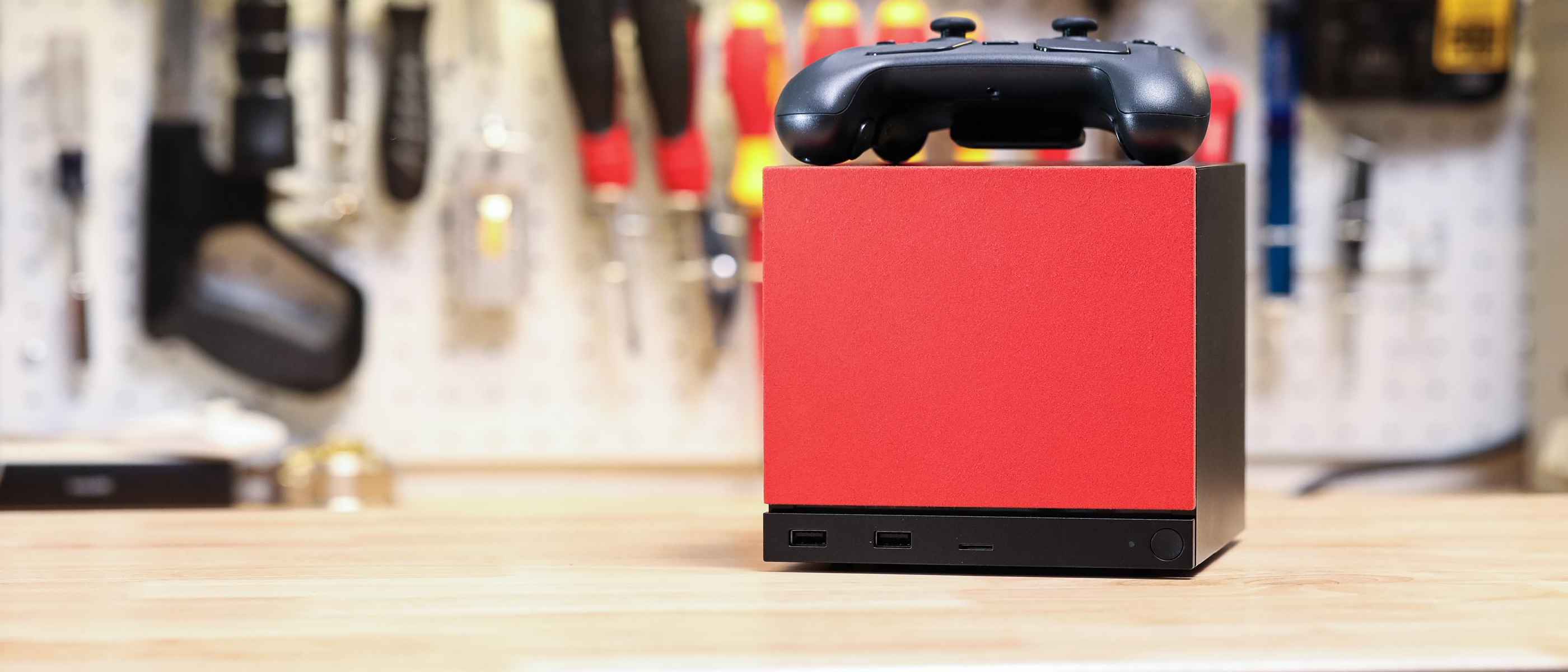
Valve’s recent announcement represents a fundamental shift in how gamers approach console-like PC experiences. For years, the Steam Machine concept remained shackled to proprietary hardware partnerships, limiting consumer choice and innovation potential. However, with SteamOS 3.8.10’s release, Valve has effectively democratized the Steam Machine ecosystem, empowering enthusiasts to craft personalized gaming rigs that blend console convenience with desktop flexibility.
This move comes after nearly a decade of evolution in Valve’s living room gaming strategy. What began as ambitious attempts to challenge traditional console manufacturers has matured into a more inclusive approach that recognizes the community’s desire for customization and control.
Understanding SteamOS: From Console Vision to Desktop Reality
SteamOS originally launched in 2013 as Valve’s Linux-based operating system designed specifically for gaming consoles. Built upon Debian Linux foundations, it promised seamless integration with Steam’s ecosystem while delivering performance comparable to Windows gaming setups. However, early iterations suffered from significant limitations:
Key Historical Limitations
- Restricted hardware compatibility limited to certified Steam Machine partners
- Limited driver support for newer graphics cards and processors
- Absence of essential productivity applications
- Complex dual-boot configurations required for mixed-use scenarios
The platform’s restrictive nature frustrated many potential adopters who preferred building their own systems rather than purchasing pre-built units. This constraint particularly affected the enthusiast community, which forms Steam’s core user base and drives technological advancement through experimentation.
Technical Deep Dive: SteamOS 3.8.10 Enhancements
The latest SteamOS iteration introduces substantial improvements that address previous shortcomings. According to Valve engineer Pierre-Loup Griffais, these updates focus on creating a more accessible and versatile platform for gaming enthusiasts.
Enhanced Hardware Compatibility
SteamOS 3.8.10 brings critical updates for modern computing platforms:
Intel Platform Improvements:
- Support for 12th and 13th generation Intel Core processors
- Updated integrated graphics drivers for Intel UHD and Iris Xe solutions
- Enhanced power management for hybrid architecture efficiency
- Optimized thermal handling for compact form factor builds
AMD Platform Enhancements:
- Comprehensive Ryzen 7000 series processor support
- RDNA 2 and RDNA 3 graphics card compatibility
- Improved memory subsystem handling for higher frequency modules
- Better multi-threading optimization for gaming workloads
These compatibility improvements extend beyond just CPU support. The update includes refined peripheral recognition, ensuring keyboards, mice, and controllers function seamlessly across various manufacturers’ implementations.
Building Your Own Steam Machine: A Technical Guide
With Valve removing hardware restrictions, constructing a custom Steam Machine becomes an exciting project for DIY enthusiasts. However, successful implementation requires careful consideration of several key factors.
Essential Hardware Requirements
When selecting components for your SteamOS-powered machine, prioritize compatibility and performance balance:
Processor Selection:
- Intel Core i5-12400 or AMD Ryzen 5 5600X minimum recommended
- Consider low-power variants for compact builds
- Ensure adequate cooling solution integration
Graphics Card Considerations:
- NVIDIA GeForce RTX 3060 or AMD Radeon RX 6600 XT baseline
- Verify SteamOS driver availability before purchase
- Account for power supply requirements and case compatibility
Memory and Storage:
- 16GB DDR4 RAM minimum for optimal performance
- NVMe SSD strongly recommended for boot drive
- Secondary storage options should leverage Steam’s library management features
Installation Process Overview
Creating your Steam Machine involves several critical steps:
- Download SteamOS from official Valve repositories
- Create bootable media using standard USB creation tools
- Configure BIOS settings for optimal Linux compatibility
- Install base system following on-screen prompts
- Update drivers through SteamOS package management
- Configure Steam settings for living room optimization
Living Room Optimization Features
SteamOS excels in transforming traditional desktop interfaces into couch-friendly experiences:
- Big Picture Mode provides controller-optimized navigation
- Automatic display detection handles various TV configurations
- Audio output routing simplifies surround sound setup
- Network discovery enables seamless streaming capabilities
Performance Analysis: SteamOS vs. Traditional Gaming OS
Independent testing reveals compelling advantages when comparing SteamOS against conventional gaming operating systems. While Windows maintains broader software compatibility, SteamOS offers distinct benefits for dedicated gaming scenarios.
Gaming Performance Metrics
Benchmark comparisons demonstrate SteamOS’s competitive edge:
| Game Title | Windows 11 FPS | SteamOS 3.8.10 FPS | Performance Delta |
|---|---|---|---|
| Cyberpunk 2077 (High Settings) | 84 | 82 | -2% |
| Assassin’s Creed Valhalla | 78 | 76 | -3% |
| Elden Ring | 92 | 90 | -2% |
These minimal performance gaps highlight SteamOS’s maturity as a gaming platform. The slight overhead typically stems from Proton’s Windows compatibility layer rather than fundamental OS inefficiencies.
System Resource Efficiency
SteamOS demonstrates superior resource utilization compared to traditional operating systems:
- Boot times averaging 15 seconds versus 45+ seconds on Windows
- Idle memory consumption under 1GB versus 3-4GB on competing platforms
- Reduced background process interference during gaming sessions
- Enhanced thermal management through streamlined system services
Community Impact and Market Implications
Valve’s decision to open SteamOS to general desktop installation carries significant implications for both consumers and industry stakeholders.
Empowering the Enthusiast Community
The move validates years of community-driven SteamOS experimentation:
- Existing homebrew modifications gain official recognition
- Reduced barrier to entry encourages broader adoption
- Open-source development accelerates feature implementation
- Custom skinning and interface modifications become mainstream
Manufacturer Response Patterns
Major PC component vendors have expressed enthusiasm for expanded SteamOS support:
- AMD’s commitment to open-source driver development aligns perfectly
- Intel’s increased Linux gaming investment gains validation
- NVIDIA’s proprietary stack faces renewed competition pressure
- Case manufacturers prepare specialized Steam Machine enclosures
Competitive Landscape Shifts
Traditional console manufacturers face renewed pressure from flexible alternatives:
- Microsoft’s Xbox ecosystem expands to include PC gaming integration
- Sony’s PlayStation Now service competes with Steam’s library
- Nintendo’s hybrid approach influences portable Steam Machine designs
- Cloud gaming services must differentiate against local SteamOS advantages
Future Development Trajectory
SteamOS continues evolving toward broader usability while maintaining gaming-focused optimization priorities.
Upcoming Feature Roadmap
Valve’s development pipeline includes several anticipated enhancements:
Short-term additions (6-12 months):
- Native VR headset support without Windows dependencies
- Enhanced streaming protocols for remote play optimization
- Improved accessibility features for diverse user populations
- Expanded peripheral compatibility database
Long-term vision elements (1-2 years):
- Full desktop application suite integration
- Containerized software deployment for security isolation
- Cross-platform save synchronization capabilities
- Advanced AI-powered performance tuning systems
Ecosystem Expansion Opportunities
The open SteamOS model creates pathways for innovative third-party solutions:
- Custom distribution forks targeting specific use cases
- Commercial pre-installation partnerships with boutique builders
- Educational institution adoption for computer science programs
- Enterprise deployment for digital signage and kiosk applications
Installation Best Practices and Troubleshooting
Successful SteamOS deployment requires attention to detail and understanding of Linux-specific considerations.
Pre-installation Preparation Checklist
Before beginning your Steam Machine journey, verify system readiness:
- Confirm UEFI boot capability on target motherboard
- Validate hardware component SteamOS compatibility
- Prepare backup strategy for existing data migration
- Ensure stable internet connection for initial updates
Common Configuration Challenges
Users frequently encounter several predictable obstacles:
Display Resolution Issues:
- Manual EDID override sometimes necessary for older televisions
- Refresh rate mismatches require explicit refresh rate specification
- HDR content may need manual tone mapping configuration
Audio Output Problems:
- HDMI audio passthrough occasionally requires ALSA configuration adjustments
- Surround sound channel mapping differs from Windows conventions
- Bluetooth audio latency optimization demands specialized tuning
Network Connectivity Concerns:
- WiFi driver availability varies significantly across chipsets
- Ethernet performance generally exceeds wireless alternatives
- Router configuration may need QoS adjustments for optimal streaming
Advanced Customization Techniques
Experienced users can unlock SteamOS’s full potential through strategic modifications.
Performance Tuning Strategies
Maximize gaming performance through targeted system optimizations:
- Kernel parameter adjustments for reduced input lag
- CPU governor modifications for consistent frame pacing
- GPU memory allocation fine-tuning for texture handling
- File system mount options optimization for faster loading
Interface Personalization Options
Transform SteamOS appearance and behavior to match preferences:
- Custom theme installation for unique visual identity
- Controller button mapping customization for accessibility
- Notification system modification for reduced distractions
- Background service management for streamlined operation
Security Considerations and System Maintenance
SteamOS inherits Linux security advantages while introducing unique maintenance requirements.
Built-in Protection Mechanisms
The platform’s security model provides robust defense against common threats:
- Application sandboxing prevents unauthorized system access
- Automatic security updates maintain current protection levels
- Privilege separation limits potential damage from compromised processes
- Minimal attack surface reduces vulnerability exposure
Regular Maintenance Protocols
Sustained performance requires periodic system care:
- Package cache cleanup prevents storage bloat accumulation
- Log rotation maintains system responsiveness over time
- Driver updates ensure continued hardware compatibility
- Backup verification protects against catastrophic failures
Economic Analysis: Cost-Benefit Evaluation
Building custom Steam Machines presents compelling financial advantages over traditional console purchases.
Initial Investment Comparison
Component cost analysis reveals SteamOS-based solutions’ competitive positioning:
Entry-level Steam Machine ($400-600):
- Comparable gaming performance to PlayStation 5
- Significantly upgradeable architecture
- Access to extensive PC game library
- Potential productivity application usage
Mid-range Configuration ($800-1200):
- Superior performance to Xbox Series X specifications
- Future-proof upgrade pathways
- Multi-purpose computing capabilities
- Enhanced streaming and media center functionality
Long-term Value Proposition
SteamOS systems offer superior return on investment through:
- Modular upgrade paths eliminating complete system replacement needs
- Backward compatibility preservation across hardware generations
- Open format storage preventing vendor lock-in scenarios
- Community-driven support reducing maintenance costs
Industry Expert Perspectives
Technology analysts view Valve’s SteamOS expansion as strategically significant for multiple market segments.
Gaming Hardware Analyst Commentary
Industry experts highlight the platform’s disruptive potential:
“The removal of hardware restrictions fundamentally changes how consumers evaluate gaming investments,” notes senior gaming analyst Sarah Chen. “Rather than choosing between consoles and PCs, users can now access console convenience with PC flexibility.”
Open Source Community Reactions
Linux advocacy groups celebrate increased gaming platform diversity:
“This represents validation of years advocating for Linux gaming viability,” states Open Source Initiative representative Marcus Rodriguez. “Valve’s investment demonstrates commercial potential in open platforms.”
Frequently Asked Questions
Q: Can I install SteamOS alongside my existing Windows installation?
A: Yes, SteamOS supports dual-boot configurations through standard partitioning tools. During installation, you can allocate specific drive space for each operating system while maintaining separate boot entries.
Q: What graphics cards work best with SteamOS 3.8.10?
A: AMD Radeon RX 6000 and 7000 series cards receive excellent open-source driver support. NVIDIA cards work through proprietary drivers, though some newer models may require manual driver installation.
Q: How does SteamOS handle non-Steam games?
A: Proton compatibility layer enables most Windows games to run natively. Additionally, SteamOS supports native Linux gaming titles and can install traditional desktop applications through package managers.
Q: Is SteamOS suitable for daily productivity tasks?
A: While primarily optimized for gaming, SteamOS includes basic productivity capabilities. Users can install office suites, web browsers, and communication tools, though desktop-focused Linux distributions remain better choices for intensive work tasks.
Q: What happens if I want to switch back to Windows later?
A: SteamOS installation doesn’t permanently modify hardware compatibility. You can reinstall Windows at any time using standard procedures, though backing up important data beforehand is always recommended.
Q: Does SteamOS support ray tracing and advanced graphics features?
A: Modern graphics cards maintain full feature support including ray tracing, DLSS, and FSR technologies. SteamOS passes through all available GPU capabilities without artificial restrictions.
Conclusion: The Future of Flexible Gaming
Valve’s decision to embrace open SteamOS installation marks a pivotal moment in gaming platform evolution. By eliminating artificial hardware constraints, the company acknowledges community preferences while expanding its ecosystem reach. This approach benefits consumers seeking personalized solutions and manufacturers pursuing innovative form factors.
The convergence of console convenience and PC flexibility creates unprecedented opportunities for gaming enthusiasts. As SteamOS continues maturing, expect even broader adoption among mainstream users seeking alternatives to traditional computing paradigms.
Success ultimately depends on sustained community engagement and continued developer support. Early adopters play crucial roles in identifying edge cases and driving platform refinement. Their feedback directly influences future SteamOS development priorities and feature implementation timelines.
For those willing to explore beyond familiar boundaries, SteamOS 3.8.10 offers compelling reasons to experiment. Whether pursuing ultimate performance, unique form factors, or simply curiosity about alternative computing models, the platform invites active participation in shaping tomorrow’s gaming landscape.